


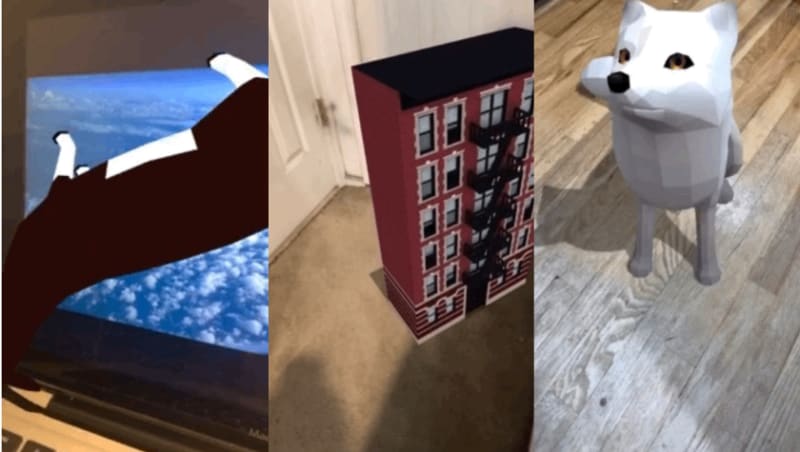
Here’s a great demo of how to integrate echo3D with 8th Wall. The full demos can also be found on echo3D’s GitHub.

Register
Don’t have an API key? Make sure to register for FREE at echo3D.
Setup
- Create a new 8th Wall project.
- Add echoAR.js to the project files.
- On the JavaScript file that runs your scene, type
import {echoAR} from './echoAR.js'; toimport the echoAR class. - Create a new echoAR object using
var echo = new echoAR(YOUR_API_KEY);. - To download the 3D models from your echo3D console, use the
findObject()method. Each model will be placed as entries into a JavaScript map. - Use
echo.models.get(ENTRY_ID)to access these entries in your main JavaScript file, where ENTRY_ID is theEntry IDlisted in the console. - Look through the examples folder to see how echo3D can be implemented on existing 8th Wall demos. Replace any files in the 8th Wall console with their counterparts in the examples folder.
Map Attributes
-
echo.models.get(ENTRY_ID).hologramis the .glb model whose physical properties can be changed programmatically. -
echo.models.get(ENTRY_ID).directionis the direction information that is pulled down from the console intransformations(). Look at the examples below to see how to rotate models in an animate() function. -
echo.models.get(ENTRY_ID).urlis the URL of the .glb model. -
echo.models.get(ENTRY_ID).imageTargetis the file name of the image target if one exists. Otherwise it is null.
ThreeJS
- To initially load the models into the JavaScript map, type
echo.findObject(false, function(data) { // CODE }), where any code put inside the callback function will run after the models are fully loaded into the map.
Accessing and changing physical characteristics
- Position:
echo.models.get(ENTRY_ID).hologram.position - Rotation:
echo.models.get(ENTRY_ID).hologram.rotation - Scale:
echo.models.get(ENTRY_ID).hologram.scale
A-Frame
- To initially load the models into the JavaScript map, type
echo.findObject(true, function(data) { // CODE }), where any code put inside the callback function will run after the models are fully loaded into the map.
Accessing and changing physical characteristics
- Position:
echo.models.get(ENTRY_ID).hologram.object3D.position - Rotation:
echo.models.get(ENTRY_ID).hologram.object3D.rotation - Scale:
echo.models.get(ENTRY_ID).hologram.object3D.scale
Run
- Press
Save+Buildto build your 8th Wall project. - Press
Previewand scan the QR code to run the project on your phone.
Full Code examples
The full demos can also be found on echo3D’s GitHub.
Learn more
Refer to our documentation to learn more about how to use echo3D.
Support
Feel free to reach out at support@echo3D.co or join our support channel on Slack.
Screenshots
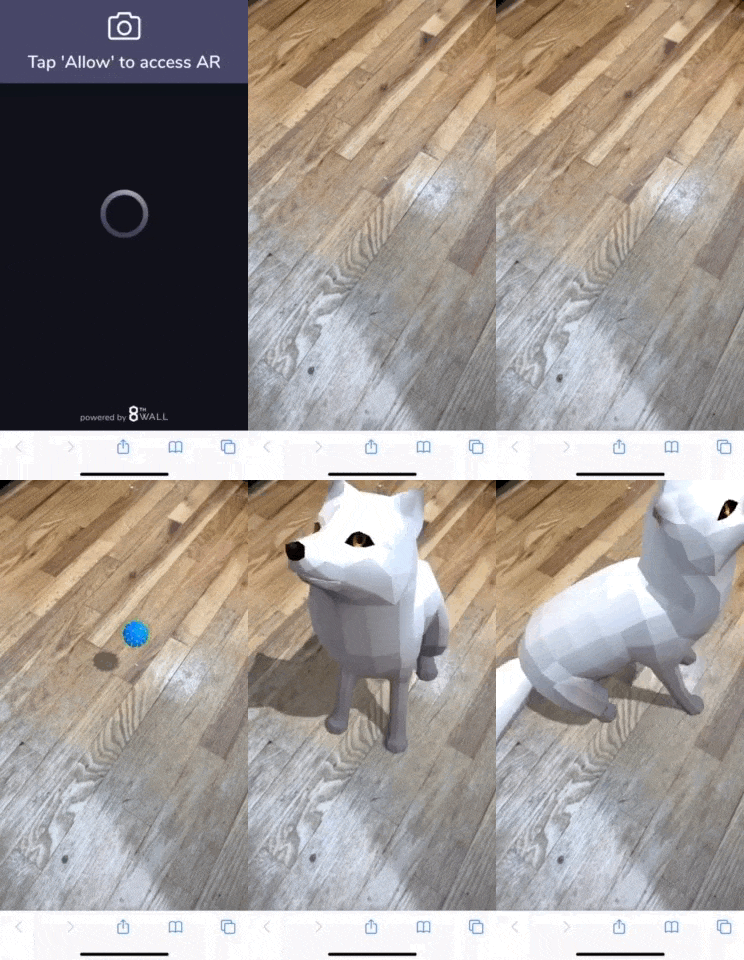
A-Frame Place Ground Example
AFrame Image Target Example

AFrame Manipulate 3D Model Example

echo3D (www.echo3D.co; Techstars 19’) is a cloud platform for 3D/AR/VR that provides tools and network infrastructure to help developers & companies quickly build and deploy 3D apps, games, and content.


Top comments (0)